
 Türkçe
 Deutsch
 العربية
👋
Calls them by name
"Look, Elif, look at this!" Inside the story, the characters call your child by their own name.
Ages 2–6 · Expert-approved · Ad-free · On the App Store
In Luulu's watercolour world, the characters talk with your child: while watching, they call your child by name, ask questions and wait for an answer; while playing, they stay by your child's side and guide the way. Every episode and every game is approved by expert child educators, and you decide what your child watches and plays.
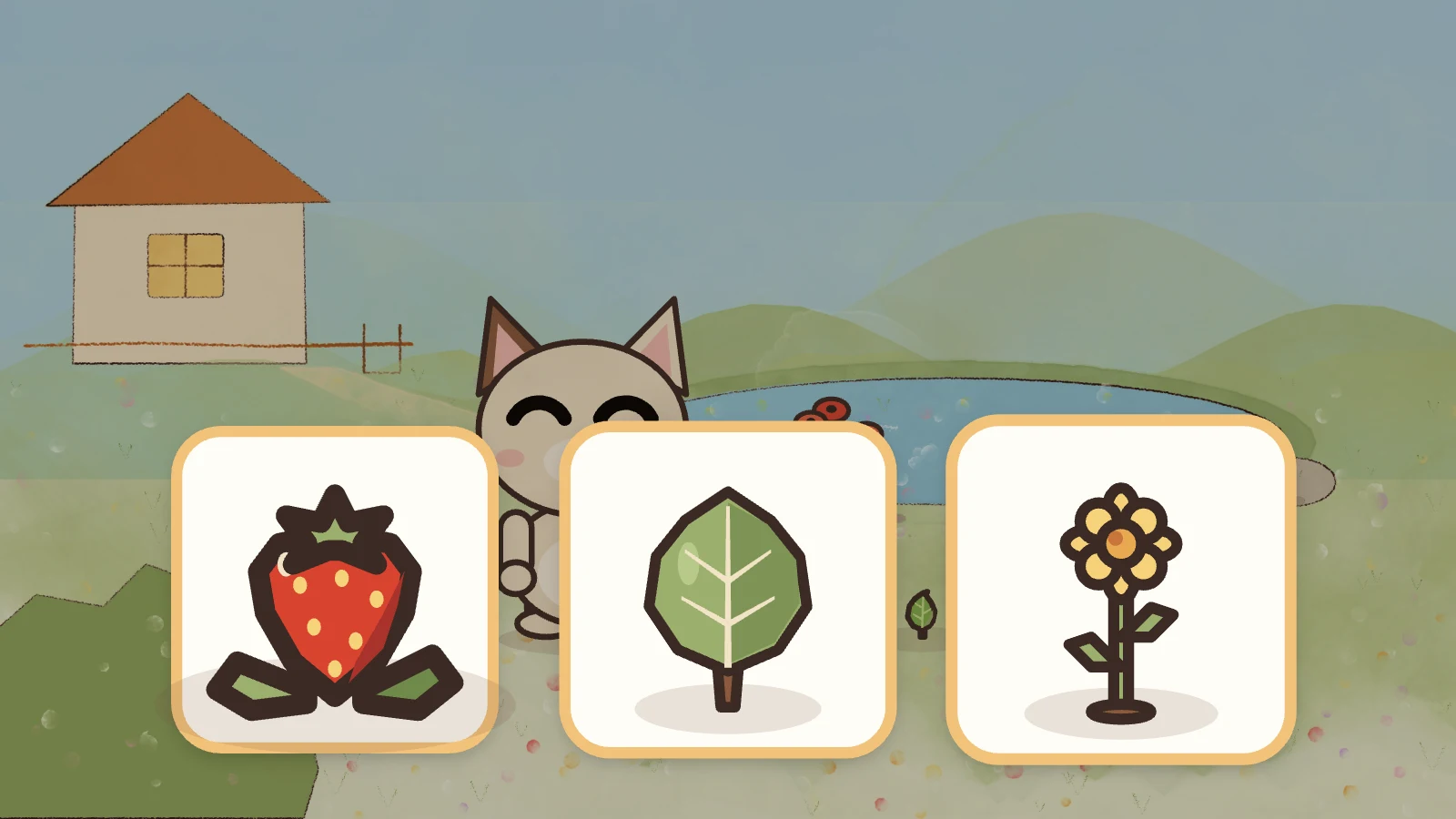
👆 Tap the right picture
"Look, Elif, look at this!" Inside the story, the characters call your child by their own name.
In episodes, the cartoon pauses, asks a question and waits for an answer. In games, their favourite character stays by their side and guides them with its voice.
Every episode and every game is approved by child educators. You can see what it teaches and who approved it.
You decide which episodes and games are available, and when it's time for meals or sleep.
Two worlds, one app
Your child's app has two big doors. Behind both, they'll find only what you've unlocked.
How it works
Nothing reaches you until an expert approves it, and nothing reaches your child until you unlock it: not a single episode, not a single game.
Stories, watercolour artwork, voice-overs, the questions asked to children, and the games are all made in our studio.
An expert watches every episode from start to finish and plays every game, notes what it teaches and which age it suits, then approves it or asks for changes.
Approved episodes and games arrive in your parent app with their learning goals and the expert's comments. You unlock the ones you think are right for your child.
An episode or game only appears on your child's screen once you've unlocked it. Turn it off whenever you like, and it disappears from their screen.
🎬 Cartoons
It starts like a classic cartoon, but as your child watches, they become part of the story.
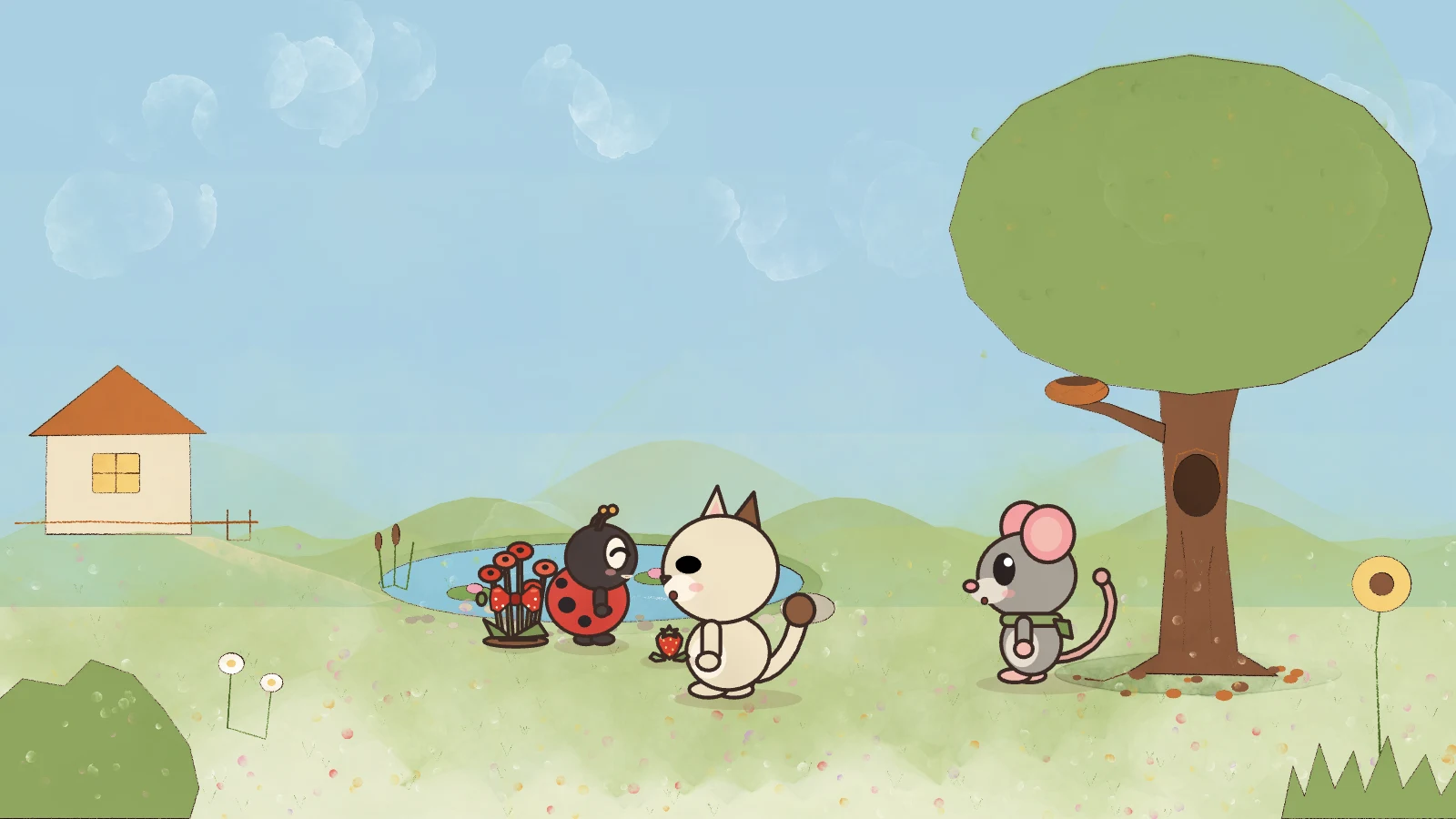
In every episode, Pipan and friends discover a new colour, number or concept.
"Elif, which one is red?" Big pictures appear, and the cartoon pauses and waits.
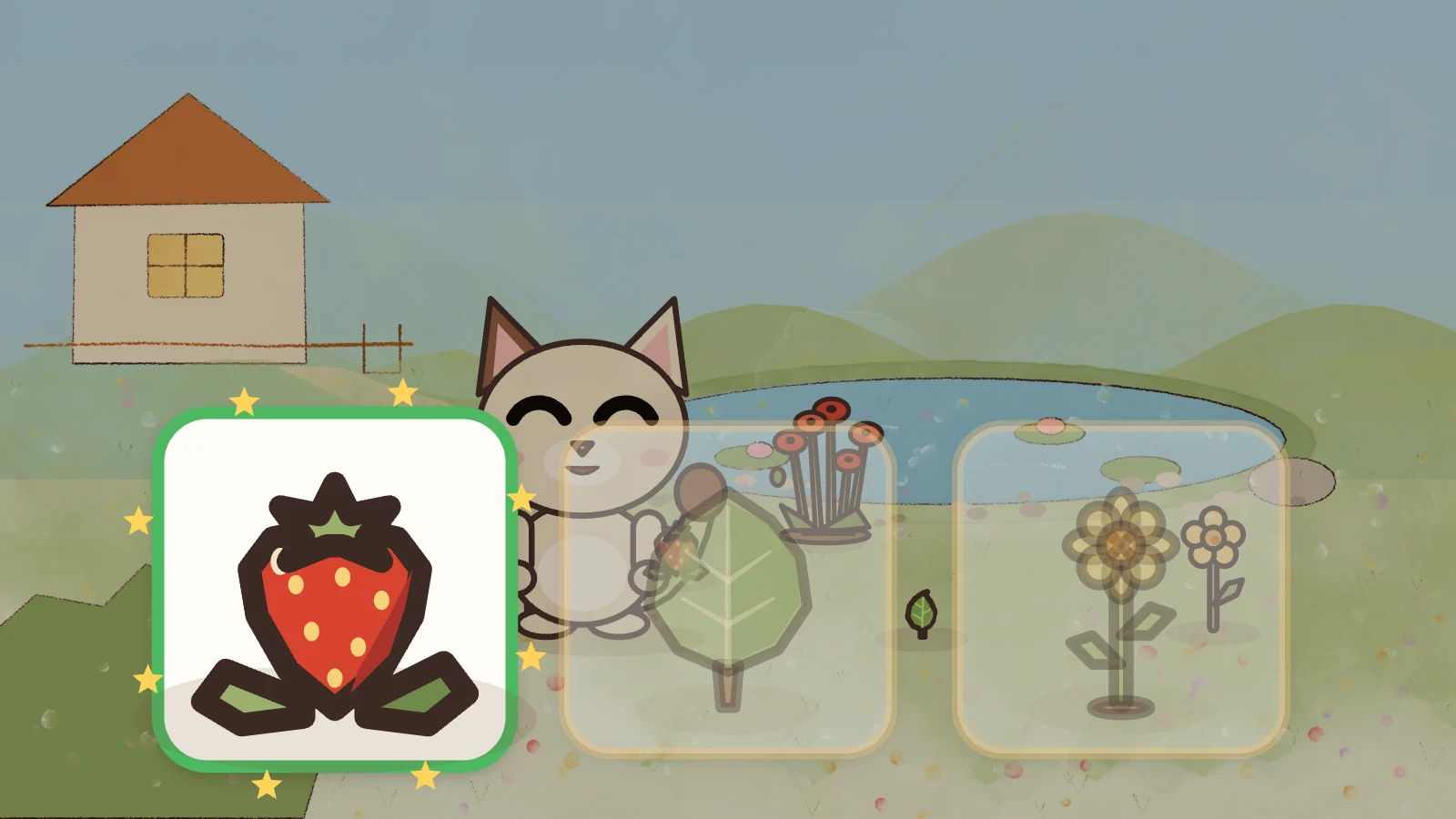
A wrong picture gets a gentle hint, never a telling-off. The right answer gets "You're super, Elif!" and a shower of stars.
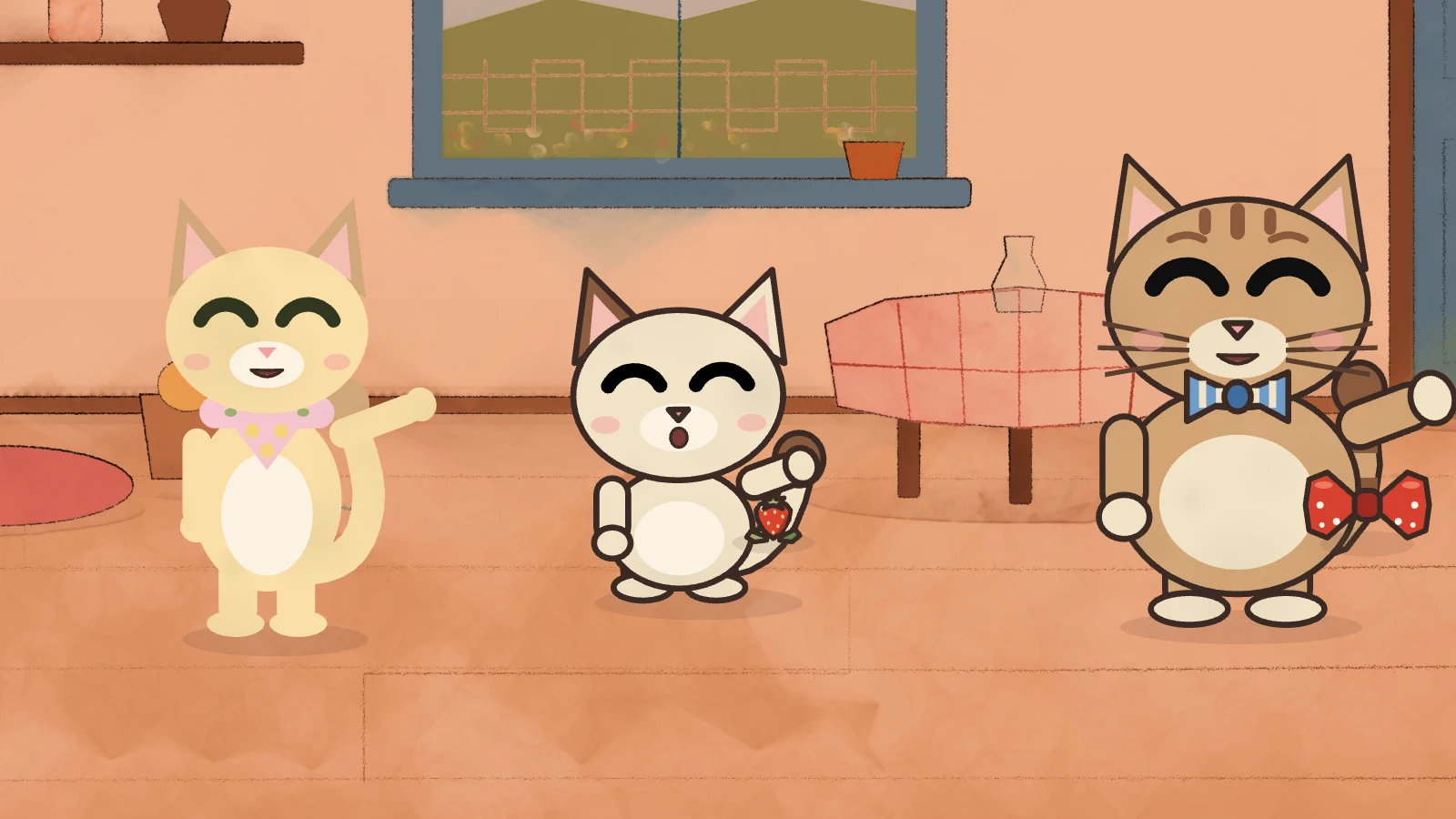
The story picks up where it left off; at the end of the episode, they count what they found together.
🎮 Games
Luulu games are made for little hands and little ears. Even a child who can't read yet can play just by listening and tapping.
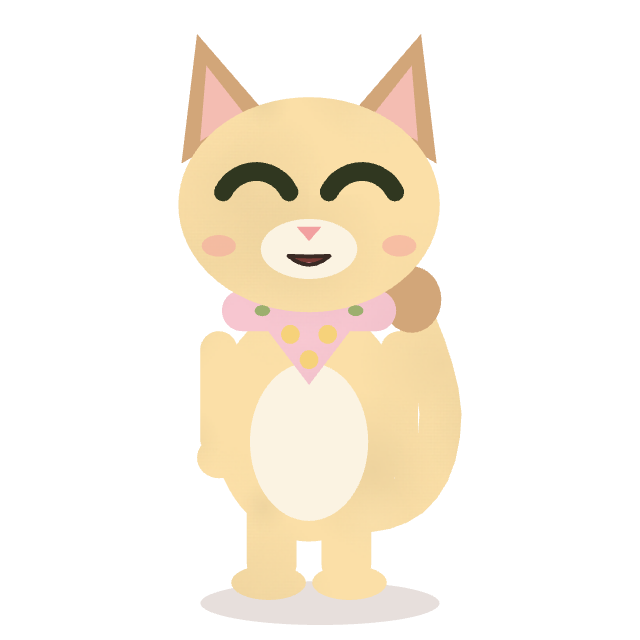
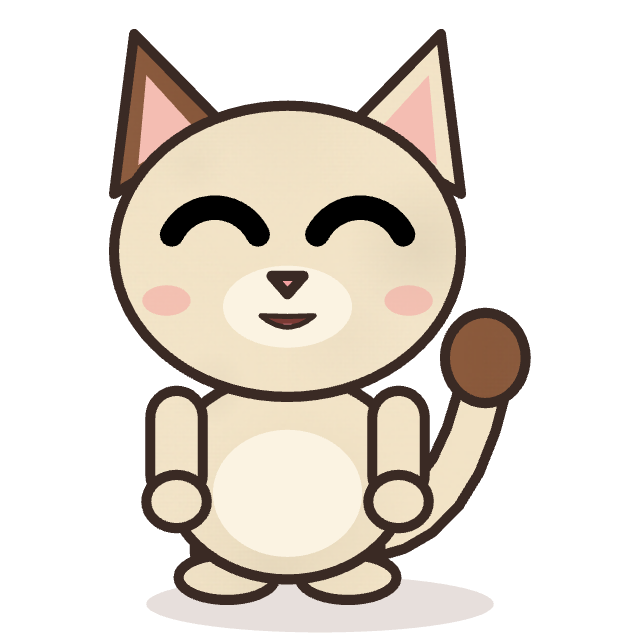 Pipan
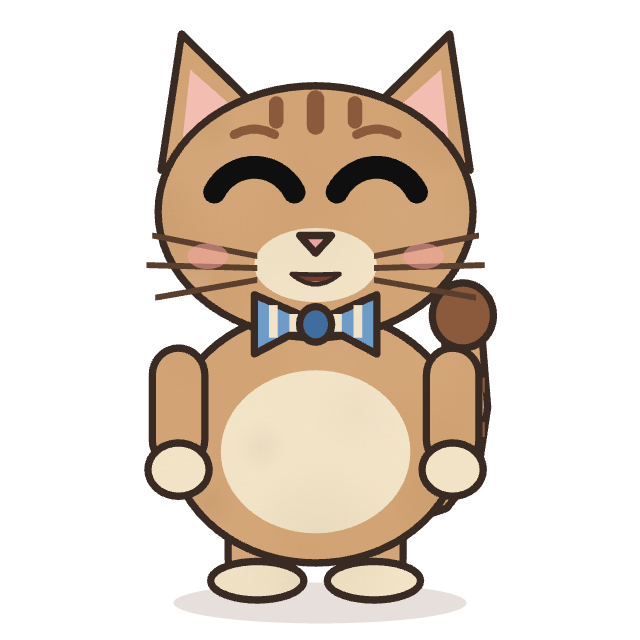
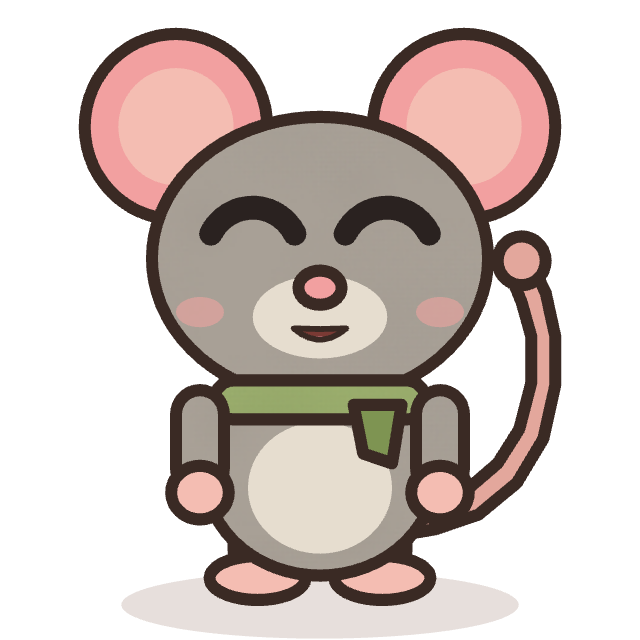 Fıstık
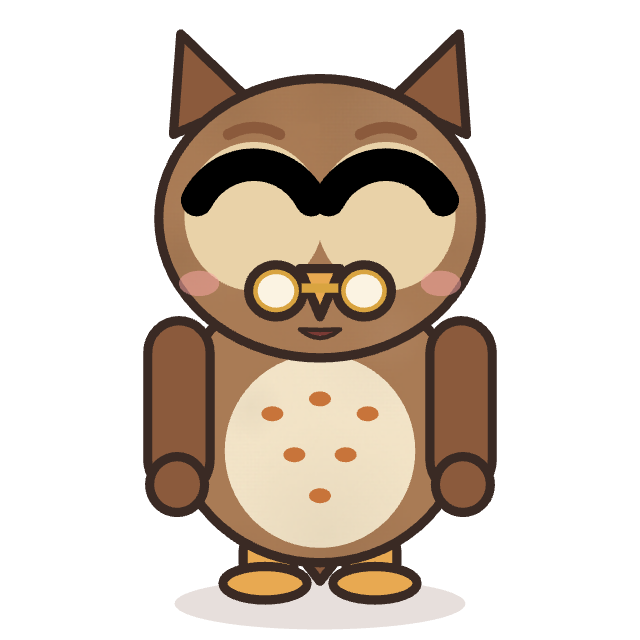 Bubu
At the start of a game, your child picks a character from the cartoons they watch. That character keeps them company throughout the game.
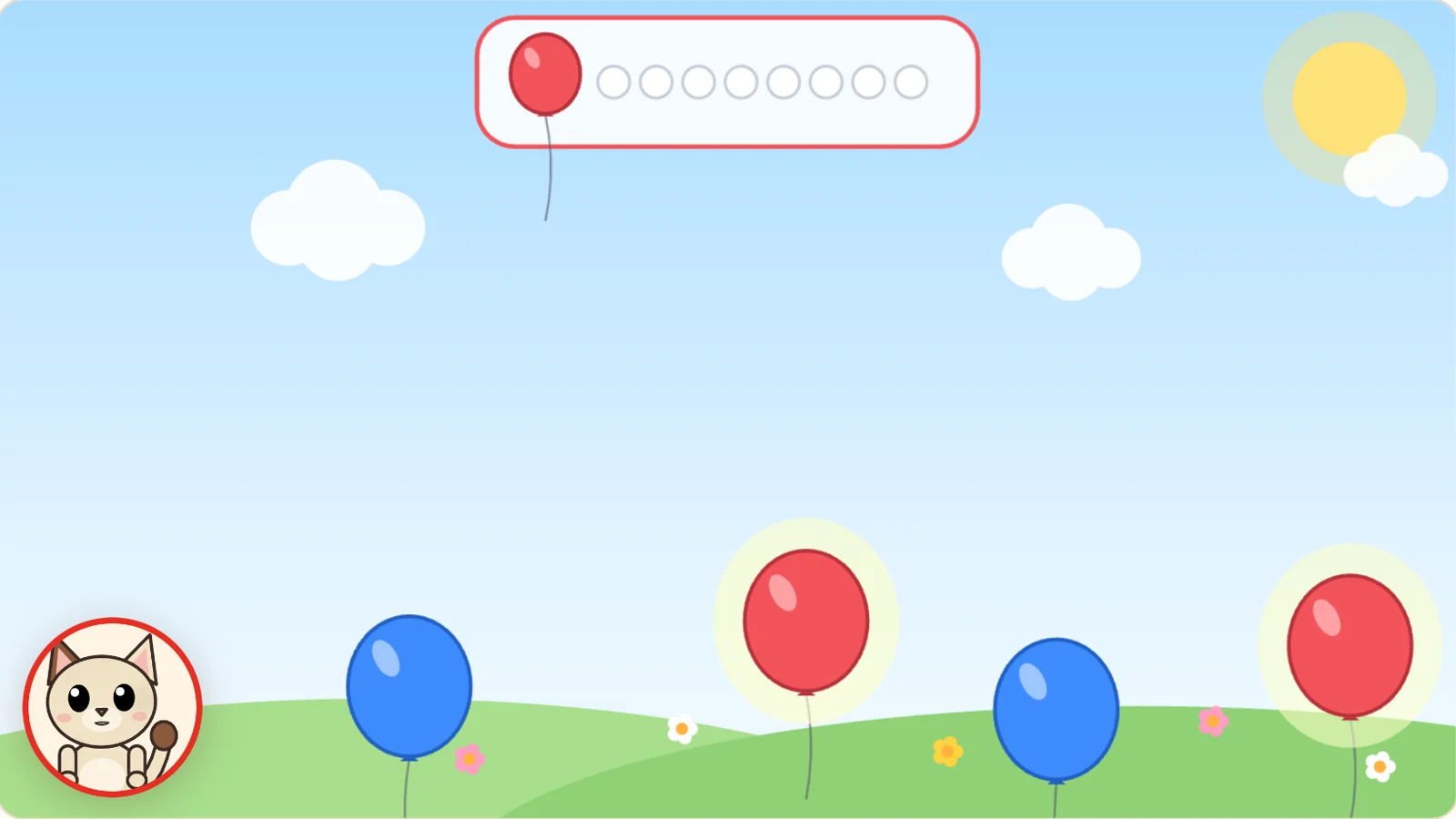
The character sits in the circle at the bottom left and talks them through it: "Come on, Elif, let's pop the red balloons!" There's no text to read on screen.
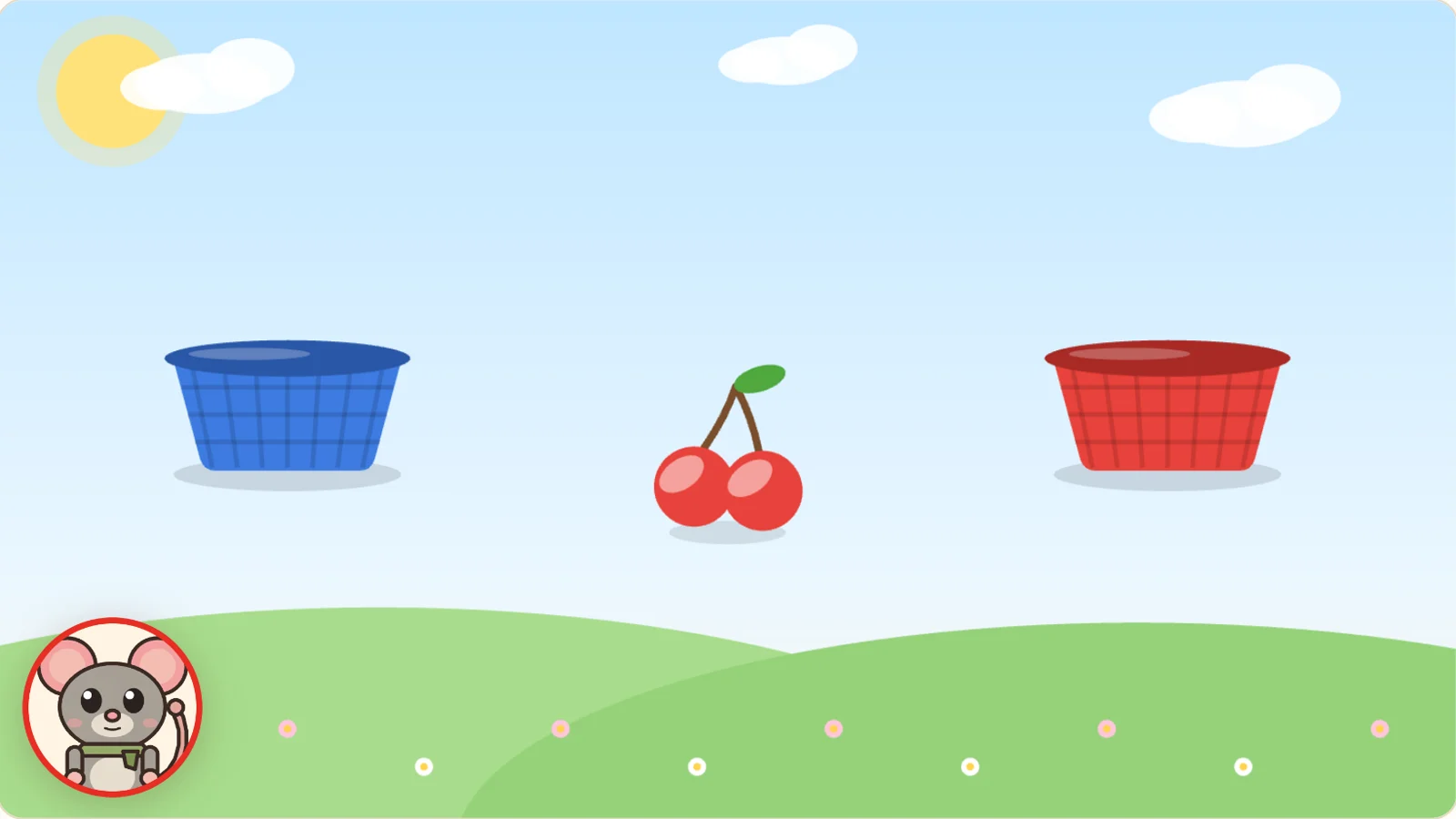
A wrong tap never gets a scolding, just a hint. When they succeed, it says "You're super, Elif!" and the game ends with a celebration.
Breaks
When it's time to eat or sleep, you don't have to force the screen off. You start a break from your phone, and your child's favourite character invites them to the table or to bed.
Elif is watching now
Pipan's Colours · Episode 1
Start a break
Tap a Break and watch what changes on the tablet.
Your child's tablet: a cartoon is playing.
Their favourite character is the one they watch most; if you like, you can choose it yourself. We're starting with mealtime and bedtime; new breaks will be added with child educator approval.
Parent app
All settings, choices and breaks live in the parent app. There isn't even a settings button on your child's screen.
Catalogue
Sample screen
Your data
Luulu was made for young children. Here's what we promise you about your data:
Everything the tablet reports is shown in the parent app, on your child's page.
Question-by-question records are deleted automatically after 90 days; only summaries remain.
Download all your data with a single tap, and delete your account whenever you like.
Nor is it used for advertising, or for personalised prices or offers.
We don't assess your child; we simply show you what they've learned.
No camera, microphone or location is used. No ads and no third-party tracking.
Children's app
The children's app is just for watching and playing: two big doors, Watch and Play. No menus to get lost in, no settings to tap by accident, no purchases and no links to the outside world.
Experts
Every episode and every game is reviewed by expert child educators. They watch each episode from start to finish and play each game the way a child would, assessing the questions, the language and the cover.
The name, title and comments of the approving experts appear next to each episode in the parent app. If an episode or game changes after approval, it won't reach you until it's approved again. Break scenes go through the same review.
✓ ApprovedSample card
Dad's Red Bow TieLearning goals
Suitable age
Ages 2–4
Expert's note
The expert's comments and tips for parents appear here.
Our first series
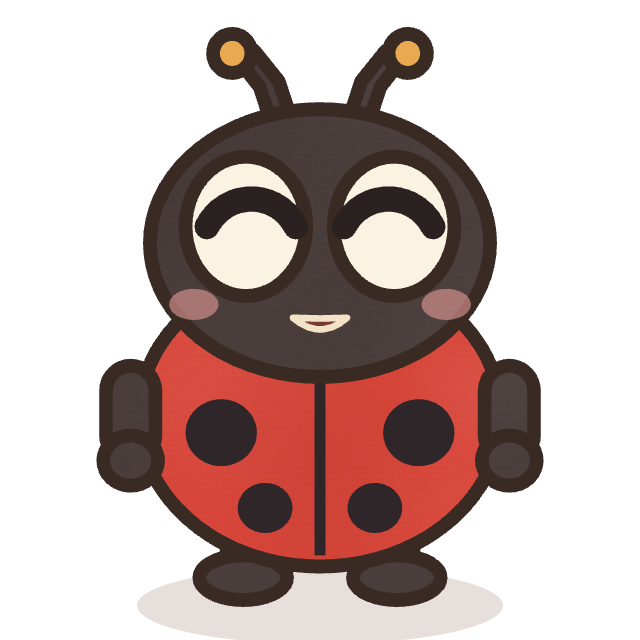
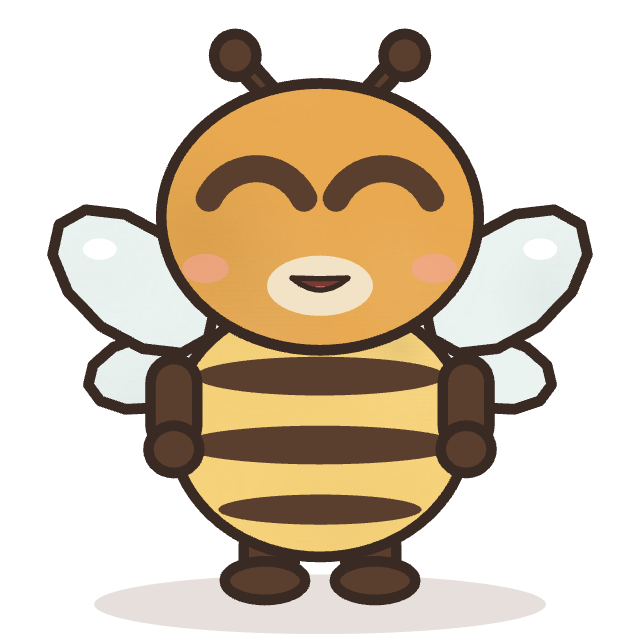
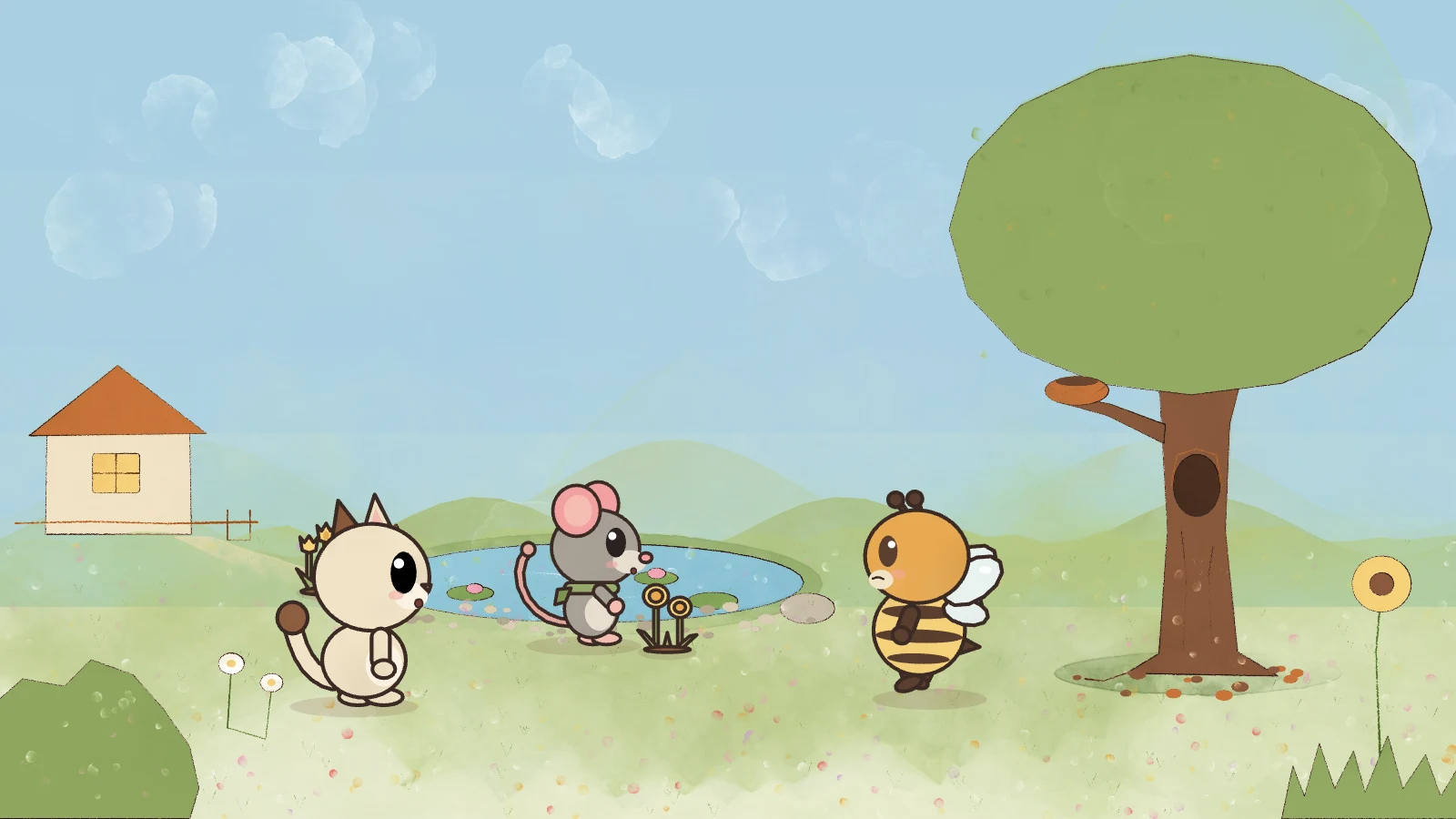
In every episode, Pipan, a curious little kitten, discovers a new colour in the world around her and finds things of that colour one by one. Bubu the wise owl gives clues, and her best friend Fıstık is always first to rush to each discovery.
A handmade feel
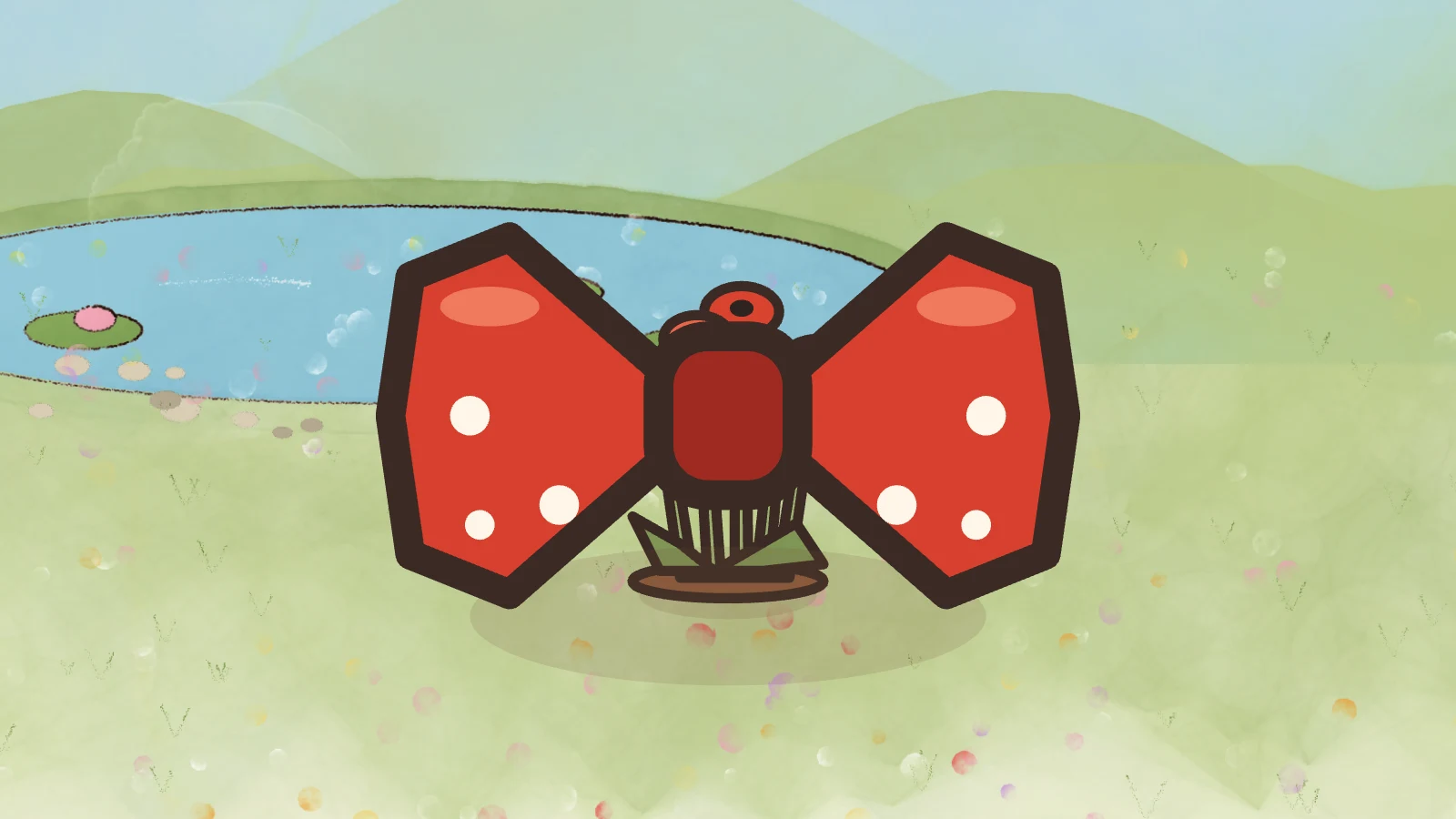
Every setting is painted in watercolour, with visible brushstrokes and paper texture, and stays sharp even in close-ups. The characters are simple, with soft lines, and the warm colours are gentle on little eyes.
Key objects in the story (a strawberry, a lost bow tie) are shown large on screen, so your child can see exactly what's being talked about.
Behind the scenes
Luulu episodes don't arrive as ready-made video files. The pictures, sounds and scene plan are downloaded to the device, and the film is drawn right there, in the moment. That's what lets the characters say your child's name, ask a question and wait for the answer, and turn to talk to your child when it's time for a break.
Frequently asked questions
Our first series, Pipan's Colours, was written for ages 2–4. Experts set the suitable age range for each episode, and you can see it in the parent app.
Expert child educators. They watch every episode from start to finish, write up its learning goals and age suitability, then approve it or ask for changes. An episode that isn't approved never appears in the parent app. The names and notes of the approving experts appear next to every episode.
No. Your child's screen only shows the episodes and games you've unlocked. When you lock one, it disappears from their screen. Your child chooses only from what you've unlocked.
No. The games have no ads, no purchases, no losing, no time pressure and no points race. If your child taps the wrong thing, the character doesn't get cross – it gives a hint. Like the episodes, every game is approved by an expert child educator.
Your child does, at the start of the game. The list includes characters from the cartoons they've watched. The chosen character sits in the corner of the screen, calls your child by name and guides them with its voice.
When the children's app opens for the first time, it shows a QR code on screen. Scan it with the parent app and choose your child's profile. You can remove the connection from the parent app at any time.
You start Mealtime or Bedtime from the parent app. The characters invite your child to eat or to sleep, then the screen stays on a scene of their favourite character eating or sleeping. Your child can't close or change this screen. When you end the break, the cartoon carries on from where it left off.
You enter the name in the parent app. The name is voiced once in the character's voice and placed into the characters' lines; to do this, it is sent to our server. It is never used for advertising, profiling or sharing with third parties. If you prefer, you can turn off the name being spoken; the characters will then talk without it.
It will be free at launch. We'll clearly announce any options offered in the future here and in the parent app.
When you unlock episodes, they download to your child's device and can be watched offline too. An internet connection is needed for Breaks to arrive instantly and for progress updates to reach you.
Episodes are about 3–5 minutes, games 1–3 minutes. They're kept short and calm for young children.
Luulu is now on the App Store, and it's coming to Google Play very soon. Got questions? Drop us a line.